

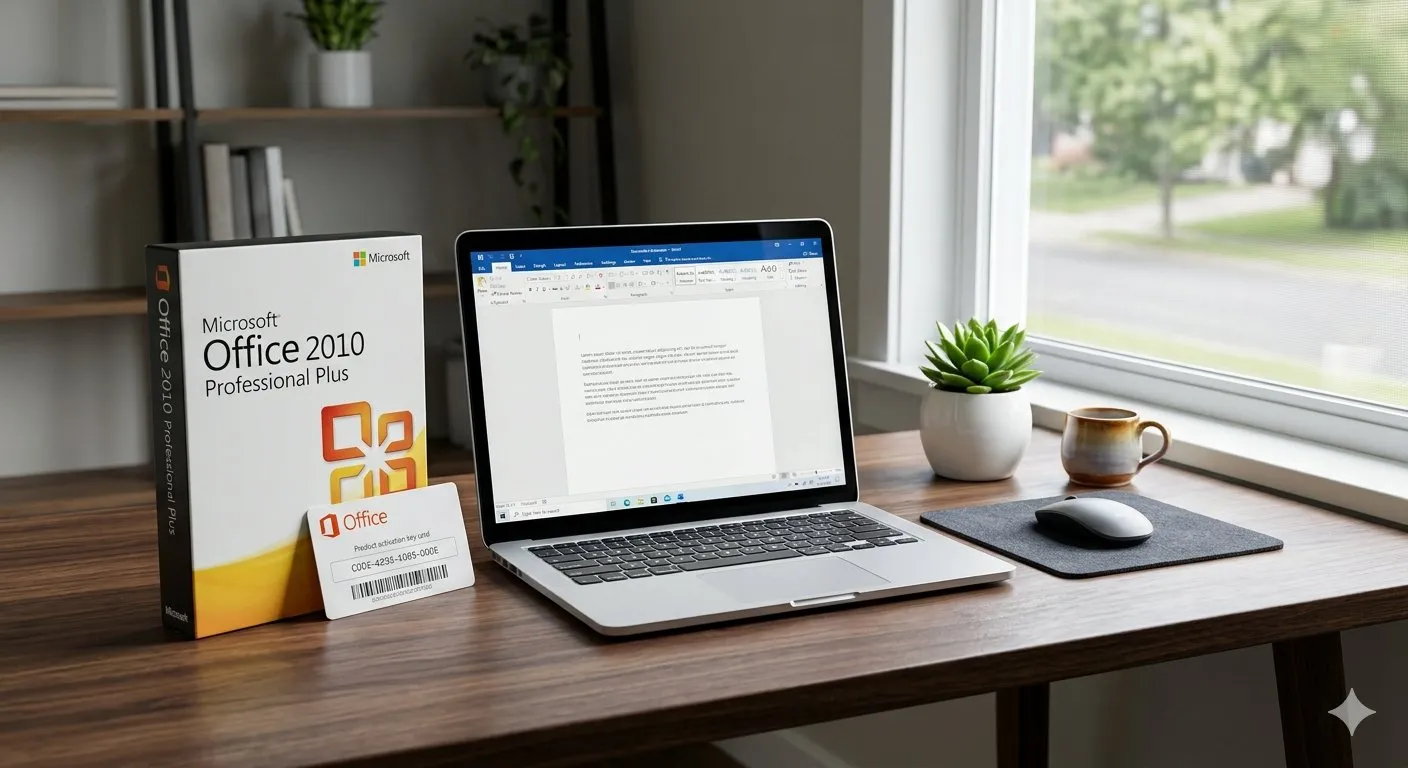
Creating a good document takes time, and the right tools can make the job easier. Microsoft Office 2010 Professional Plus gives users a set of desktop apps for writing and number work or making presentations. Its simple design may still feel familiar to people who have used it for years. But older software needs a closer look before purchase. Users should check its features and licence terms and understand the limits that come with using an edition that no longer receives support.
Where Office Fits Today
Office 2010 Professional Plus was built to handle many common tasks in one place. Word helps users prepare letters and reports. Excel makes it easier to arrange figures and work with data. PowerPoint turns ideas into visual slides. Outlook brings email and calendar tasks together. Some users also look for office 2010 online when they want to open or review files in a browser, so check what a listing actually covers. Access supports basic database work while Publisher helps with page layouts. These apps can suit different work needs. Their familiar menus also make daily tasks feel simple for users who prefer a classic desktop setup.
What The Suite Includes
Each app in the suite has a clear role. Word can help prepare a business letter while Excel can track a monthly budget. PowerPoint is useful when a team needs to explain a plan. Outlook can help keep messages and appointments organised. Access and Publisher serve more focused tasks. Before choosing this edition, think about which apps you actually need. A product may include several tools, but that does not mean every user will need them. Match the software to the work you do.
Shape Pages With Intent
A well-made document should be easy to scan and understand. Word 2010 offers tools for headings, page numbers and tables. Users can set margins and adjust line spacing to give each page a clean look. Styles can keep headings consistent across a long report. The review features can also help when another person needs to check the text. Save a separate copy before making large changes. This gives you a way back if an edit removes something important.
Turn Rows Into Answers
Excel is useful when details need order. It can hold stock lists and expense records or simple work plans. Formulas can calculate totals and charts can show how values change over time. Still, the result depends on the data entered. Check figures and cell references before sharing a workbook. Use short labels so each column has a clear purpose. If a sheet grows large, then split it into sensible sections. This makes it easier to find a figure without searching through a crowded page.
Present A Clear Story
A presentation should guide the audience rather than overwhelm it. PowerPoint 2010 lets users arrange text and images across a series of slides. Themes can give the deck a steady look while simple layouts keep each point clear. Try to place one main idea on each slide. Use images only when they help explain the subject. Read through the full presentation before showing it to others. Check spelling and slide order too. A short practice run can reveal gaps that are easy to miss on screen.
Read Every Key Offer
When looking for a microsoft office 2010 pro plus key, check that the product name matches the edition you want, and read the licence terms and device limits before placing an order. A key for a different Office version may not activate this suite. Also check whether the offer covers a new installation or another licence type. Keep the purchase record after payment. It can help when you need to review the order details or ask the seller about a licence issue.
Avoid Risky Activation Tools
Some websites promote an office 2010 professional plus key generator as a quick way to activate the software. These tools should not be trusted. An unofficial generator cannot provide a legitimate licence and may carry malware or unwanted programs. It may also change system settings without clear permission. Do not turn off security tools to run an unknown file. Use a genuine licence and follow the proper activation steps. If activation fails, check the product edition and contact the seller for help.
Conclusion
Office 2010 Professional Plus still offers familiar tools for basic document tasks. Yet its support has ended, and users should consider that limit before buying. Check licence details and avoid unofficial activation tools. Visit key-softs.com to review software information and compare available options before making a careful choice.
